Short-form Clip Repurposing
A repeatable process for turning long conversations into scroll-ready clips.
This case study explains how Kinske identifies strong moments, writes hooks, edits vertical clips, adds subtitles, and adapts captions for different platforms.
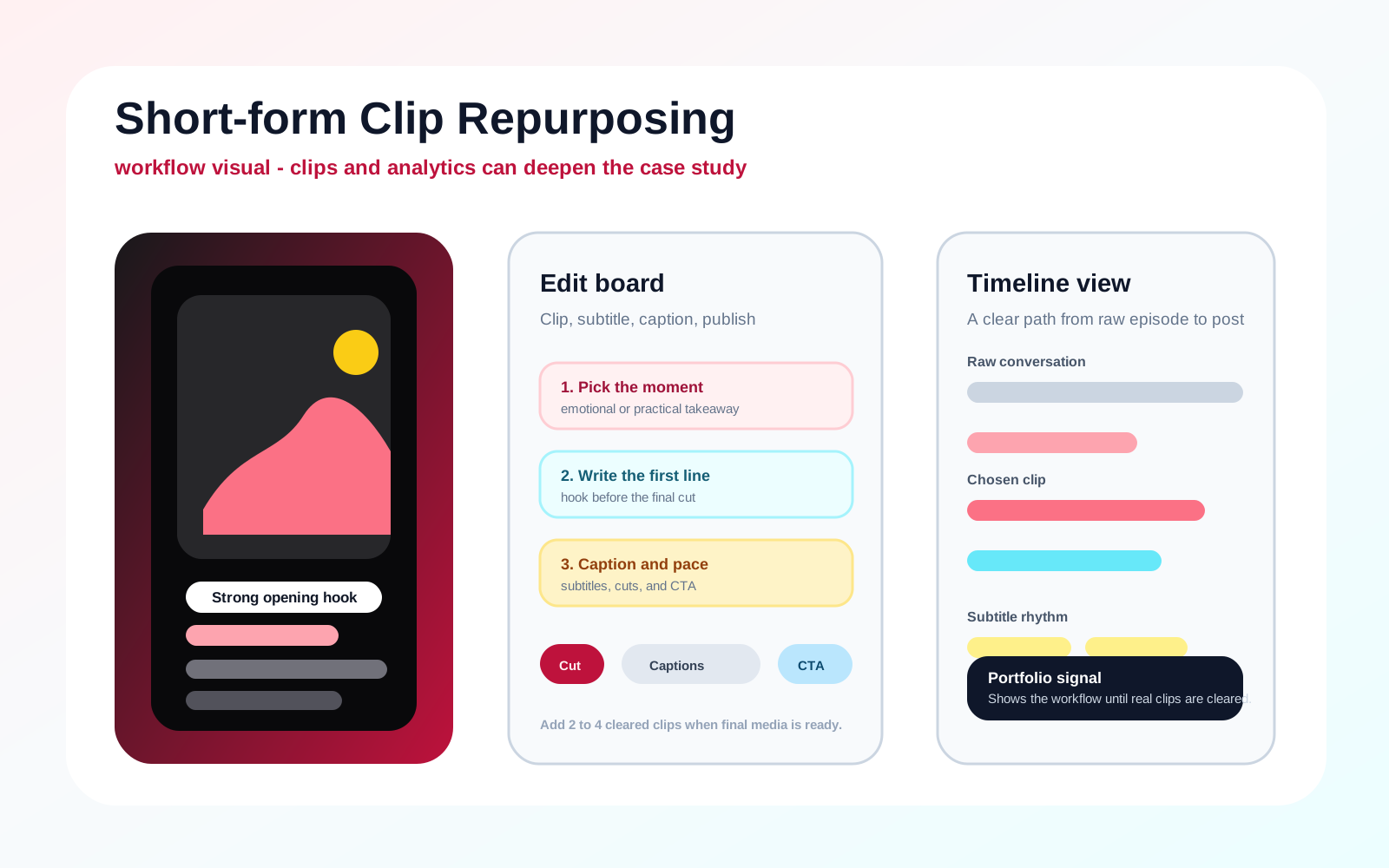
Workflow visual showing the editing process. Public reel links are the current reviewable sample set; approved local clips, before-and-after samples, or analytics screenshots are reserved for a later media pass.
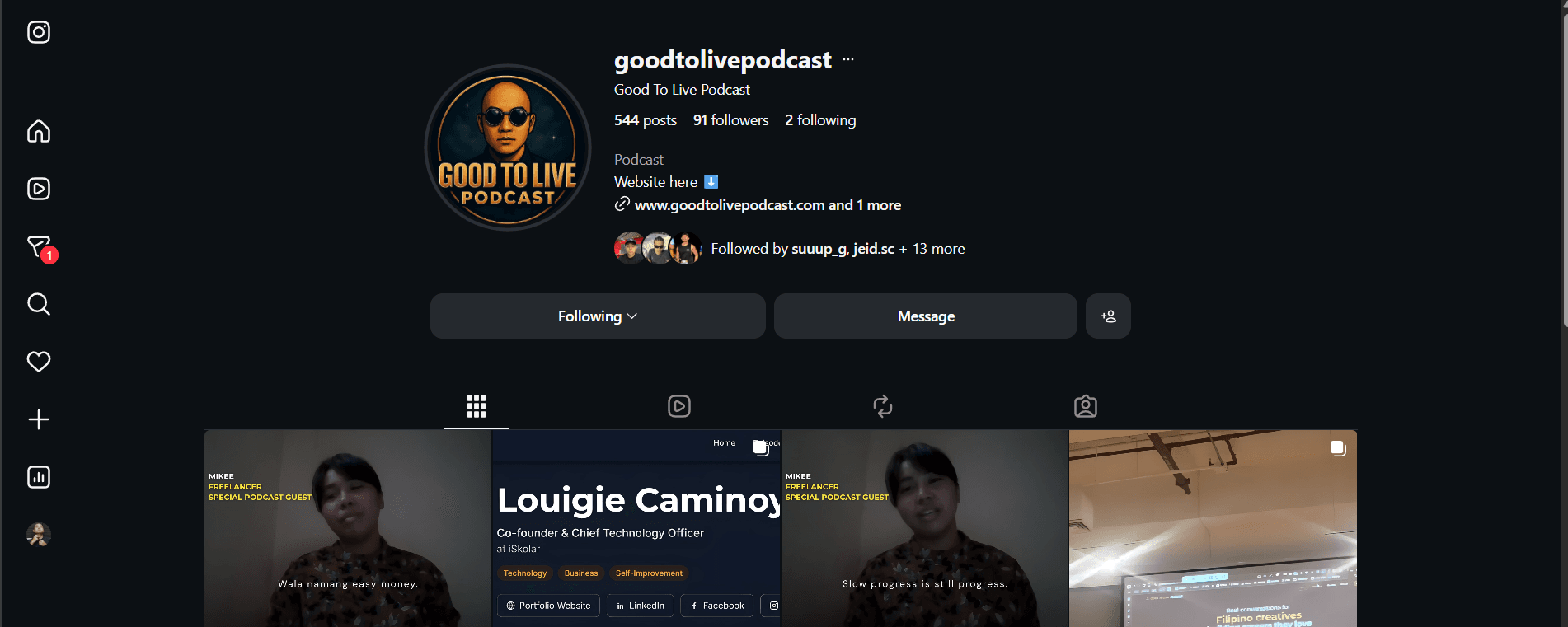
Representative public source material for clip-selection context.
Project media
Workflow visuals with clear source context.
Portfolio visuals explain the process while company-owned screenshots, clips, and account examples stay private unless they are cleared for publication.
- Clip samples
- 2-4
Public reel links are listed from the local portfolio notes and verified reachable June 9, 2026.
Creator storyboard
The work is shown as a production flow, not a static write-up.
Make long-form ideas easy to understand quickly without losing the real voice of the guest or creator.
- Brief
- Select
- Shape
- Publish
Workflow visualScene 1
Brief
Watch the long-form source and choose moments with a clear emotional or practical takeaway.
Scene 2
Select
Write the opening hook before finalizing the edit so the clip has one clear point.
Scene 3
Shape
Cut to a 60 to 90 second vertical format with subtitles, pacing, and simple supporting graphics.
Scene 4
Publish
Pair the clip with platform-specific captions and a call to action.
Output map
Where the work shows up.
Each case study connects the production work to a channel, format, purpose, and review signal so the output is easier to judge than a plain task list.
- 01Instagram reelsVertical clipsTurn one strong source moment into a clear short-form takeaway.Public reel links listed for review.
- 02Subtitle passReadable pacingMake the clip understandable when viewed muted or quickly.Workflow board and editing process notes.
- 03Caption draftHook plus contextConnect the selected moment to a simple viewer action.Caption workflow described in the process.
- 04Thumbnail stillVisual entry pointGive the clip a recognizable frame before the viewer presses play.Deliverables and future approved media notes.
Outcomes
- Creates a repeatable editing workflow hiring teams can understand and evaluate.
- Shows craft in clip selection, pacing, captions, and repurposing strategy.
- Public reel links are the current reviewable sample set; approved local clips, before-and-after samples, and analytics screenshots are reserved for a later media pass.
Delivered assets
Public samples
These links come from the local portfolio PDF and were verified reachable as public Instagram reels.
Lessons from this work
- The first sentence decides whether a clip earns attention.
- Subtitles and rhythm matter as much as the selected topic.
- A simple call to action helps every clip connect to a larger content goal.