Find the post angle
I scan raw clips for moments with a clear hook, then add caption direction and edit notes so the post has context.
Because I help turn raw clips, captions, and visual requests into social posts that are easier to review, publish, reply around, and hand off.
I scan raw clips for moments with a clear hook, then add caption direction and edit notes so the post has context.
I track what needs writing, editing, review, and posting so feedback turns into the next clear action.
I help with captions, replies, simple visuals, and status notes so the account keeps moving between bigger posts.
I prepare Canva and Photoshop files with caption context, clean naming, and review notes for faster handoff.
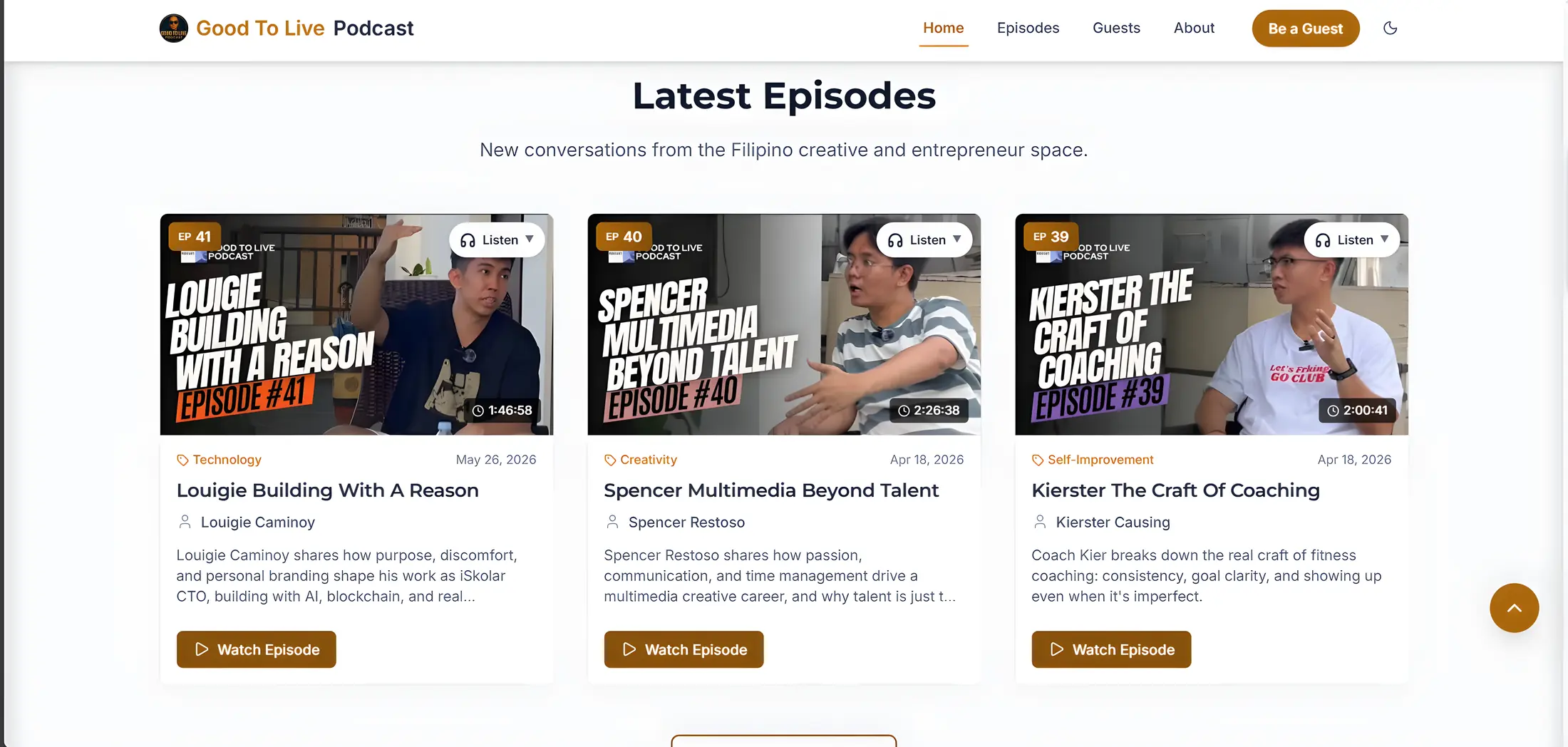
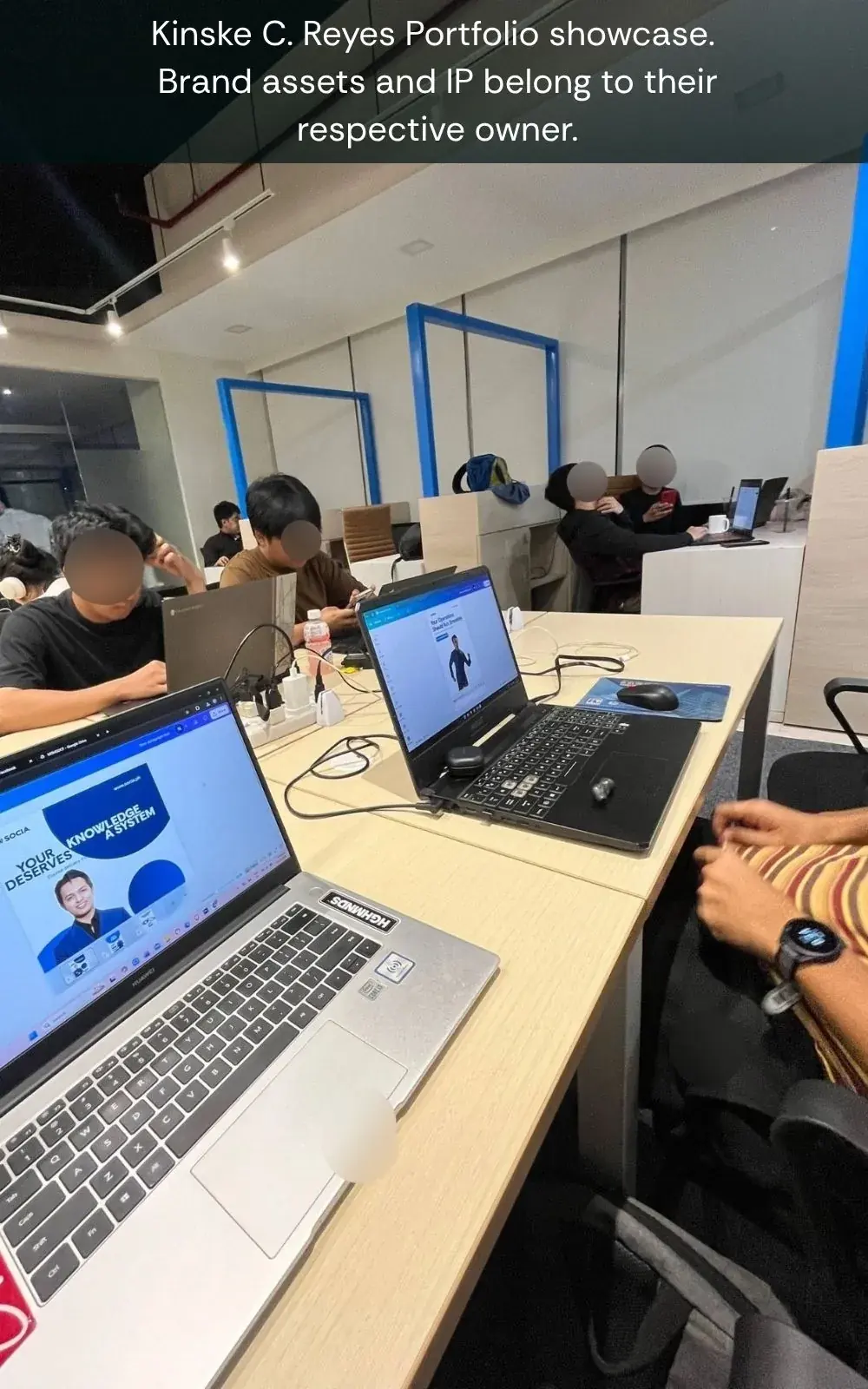
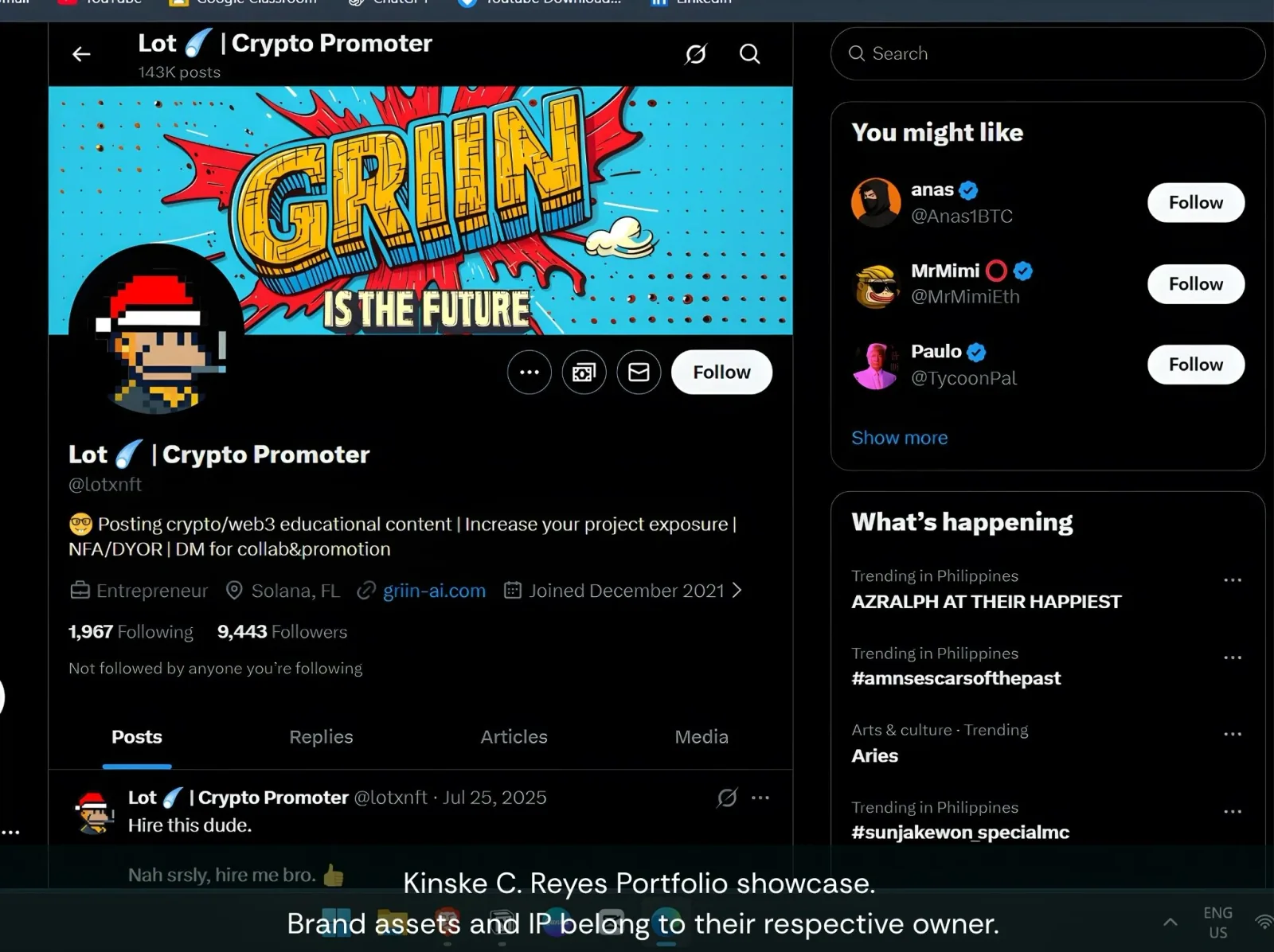
Each group ties the tools I work in to the output they produce. Full deliverables stay on Services.
I turn topics, guest notes, and campaign briefs into clear calendars, post angles, checklists, and handoff notes.
Good To Live topic planning, SOCIA handoffs, and X / Griin scheduling prep.
I cut useful moments from long recordings, clean up audio, prepare vertical edits, and package clips for posting.
Podcast episodes, short clips, captions, and production stills from Good To Live.
I write hooks, captions, episode descriptions, reply notes, and follow-up prompts that keep each post easy to act on.
Captions, guest follow-up, audience touchpoints, and company-account reply monitoring.
I use design and AI tools to speed up ideas, polish visuals, draft angles, and keep final output human-reviewed.
SOCIA campaign visuals, AI-assisted content angles, and platform review habits.
Social Media Manager, Content Creator, short-form editor, podcast content support, and content operations roles where planning, clips, captions, publishing, and community touchpoints matter.
Start with the services page to see how Kinske handles clips, captions, planning, and community touchpoints, then open the Good To Live Podcast case study and its clip-to-post section for the podcast production and short-form work, and check the work history on the Portfolio page.
Kinske can help turn source material into content ideas, short-form clips, hooks, captions, simple Canva graphics, publishing plans, and follow-up notes for comments or community replies.
No. Good To Live is the clearest public example because it shows end-to-end content work, including clips and captions. The portfolio also includes SOCIA internship experience, X / Griin AI social workflow, tools, learning, and contact context.
Some work belongs to client or company accounts. The site explains the workflow and ownership context without publishing company-owned screenshots until usage rights are confirmed.
Open to social media roles.
Available for content planning, short-form clips, captions, visuals, and audience replies.