1


ExampleClip workflow

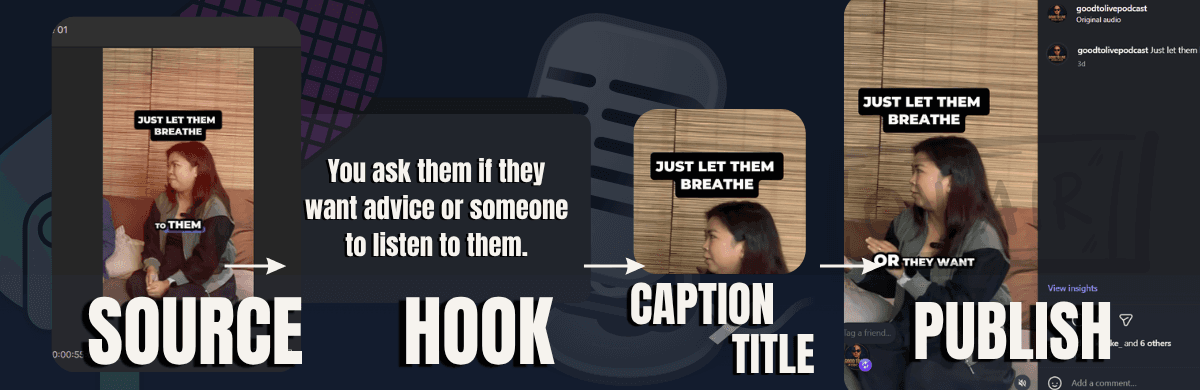
Long videos into social clips
Turn podcasts, interviews, or longer videos into clear vertical posts.
- Clip edits
- Reel edits
What Kinske can help with
Pick one lane: repurpose long clips, plan content, write hooks and captions, or keep community follow-through organized. Each card shows the outputs, the tools used, and a source note.
clips, captions, follow-through
Social content loop
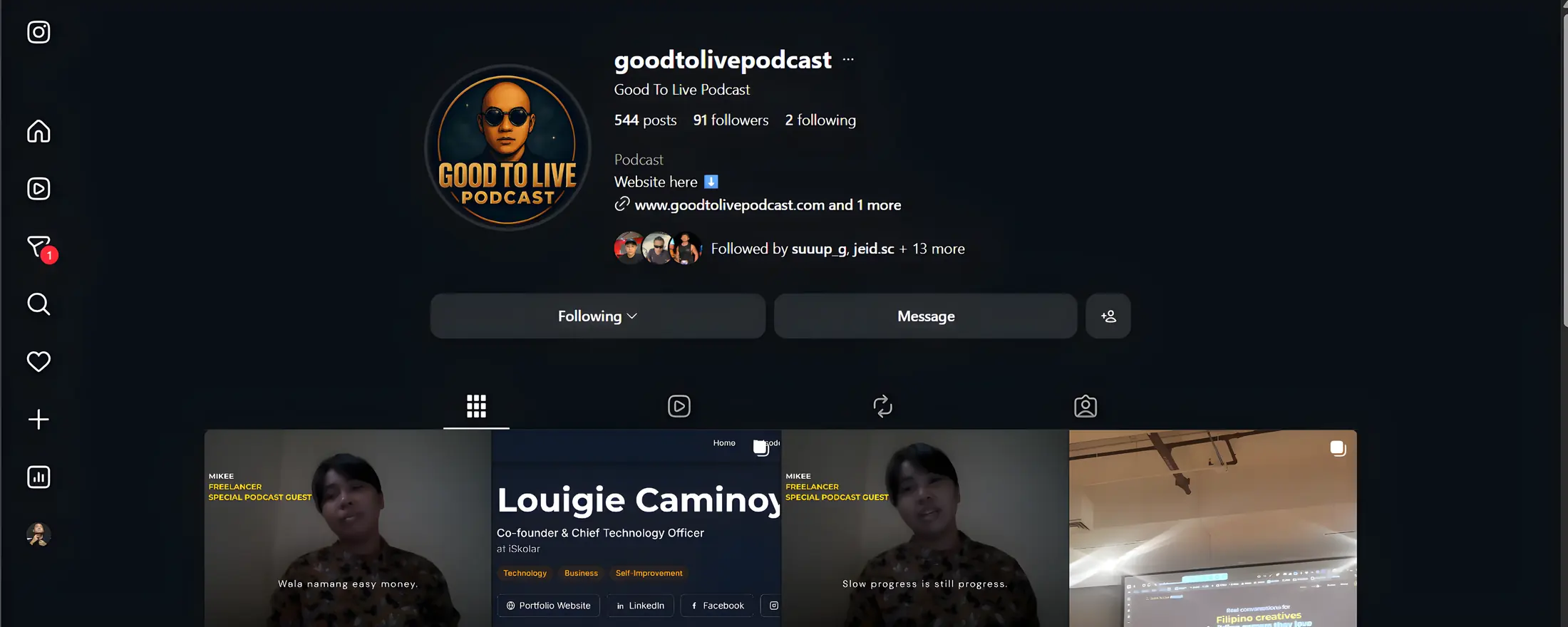
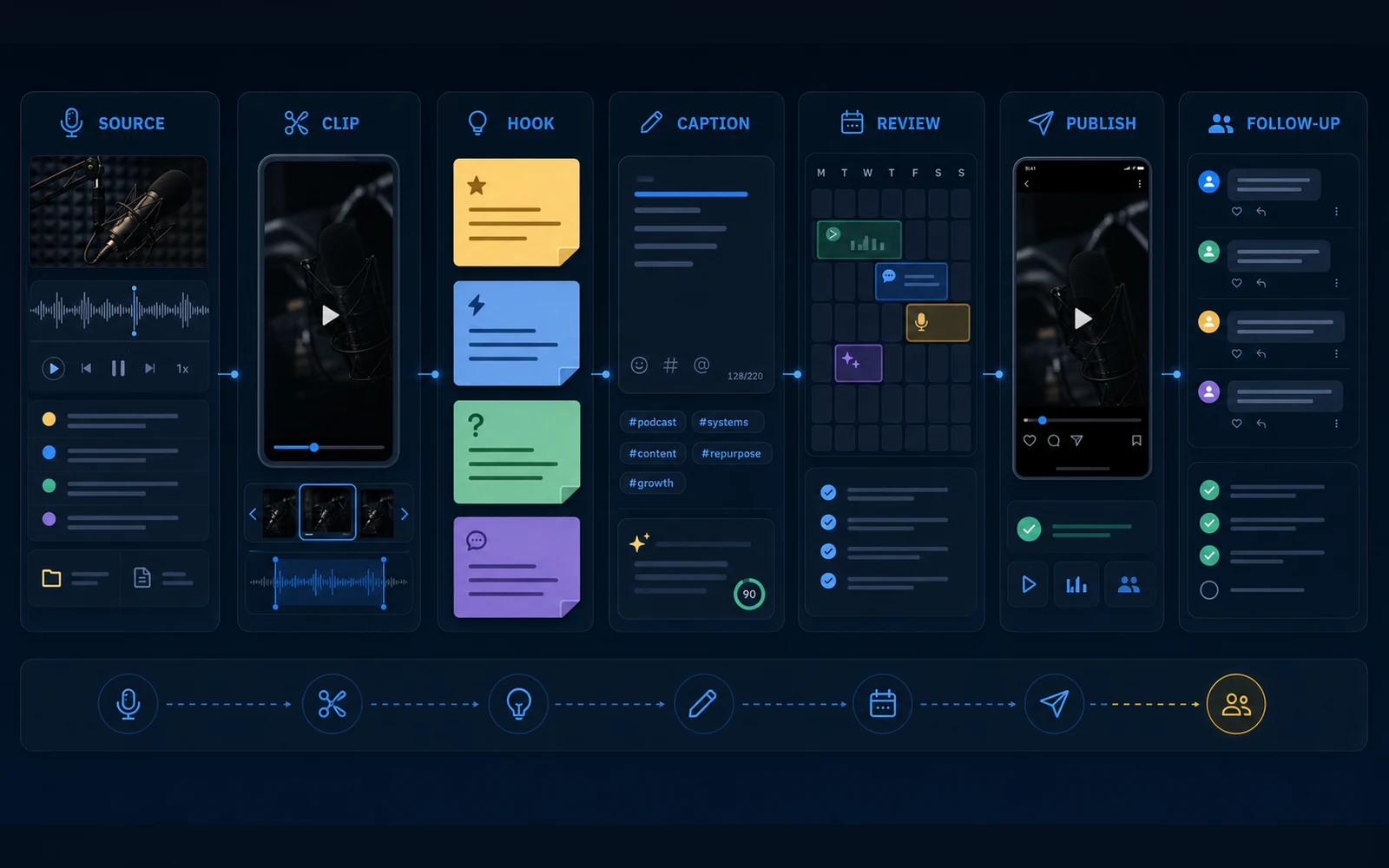
Long-form source to short-form post


Service menu
Each card shows the output, the tools used, and a quick source note.
Turn podcasts, interviews, or longer videos into clear vertical posts.


Keep source ideas, topics, publish slots, and review notes organized.

Open every post with a strong first line, a clear caption, and one call to action.

Handle the small follow-through work that keeps a channel human.
Raw source material becomes post-ready clips, captions, review notes, and follow-up tasks. Details stay inside each offer page.
Tools and operating style
The stack covers editing, planning, audio cleanup, simple visuals, and AI-assisted drafting, kept to the few tools each post actually needs.
I use this set to plan, produce, publish, and review social content.


